
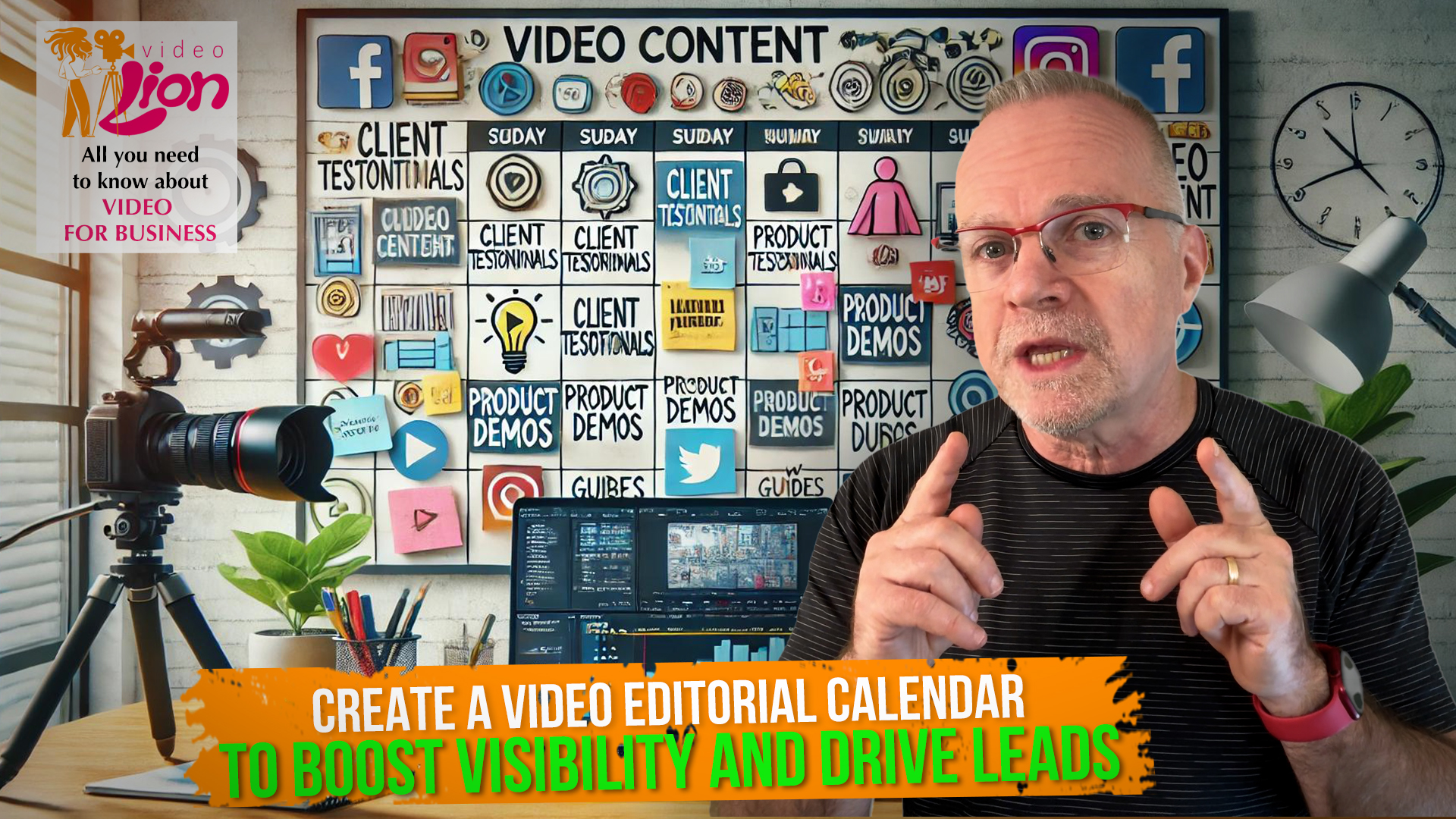
As a business owner, you’re probably aware that video content is one of the most powerful ways to build your brand online, engage with your audience, and—let’s face it—generate leads. But here’s the thing: while posting the occasional video may get you some attention, consistent video content is what’s going to keep people coming back, building trust with your audience, and ultimately driving more business. In this Video Lion, we will learn how top build a video editorial calendar to help boost your visibility and drive more leads. Come with me!
Creating and posting video content on a regular schedule might feel daunting, but that’s exactly where a video editorial calendar comes in. Think of it as your content road map—it organizes your ideas, sets deadlines, and keeps you accountable to a schedule that works for you and your audience. The best part? It doesn’t just help you stay organized; it helps you drive more traffic and leads to your business. So let’s dive in.
Step 1: Why You Need a Video Editorial Calendar for Your Business
As a business owner, you’re juggling a lot. Between managing your team, serving customers, and making sure everything runs smoothly, creating video content can easily fall by the wayside. But if video content is part of your strategy to generate leads, skipping a few weeks—or worse, months—can cause your online presence to lose momentum.
Consistency is key in building brand awareness and nurturing leads. Just like your customers expect reliable products or services, they also expect consistent communication. If you’re randomly posting videos without a plan, it’s hard for your audience to know when to engage with you. An editorial calendar helps in two critical ways:
Organization: You’ll know exactly what you’re posting and when, giving you peace of mind.
Strategy: You can plan content that aligns with your business goals, whether it’s educating potential customers, showcasing your products, or driving traffic to a new service.
It’s all about creating a steady drumbeat of valuable content that positions your business as a leader in your field—and ultimately leads to more conversions.
Step 2: Start with a Brainstorming Session
When it comes to creating video content, a solid strategy starts with brainstorming. But we’re not talking about just any ideas—we’re talking about ideas that serve your business goals.
Ask yourself:
* What are the common questions my customers ask?
* What problems do my products or services solve?
* Are there any customer success stories I can highlight?
This is your content goldmine. Each of these questions represents an opportunity to create videos that not only offer value but position your business as the go-to expert in your field. Whether it’s a quick “how-to” guide on using your product, or a behind-the-scenes look at your business, each video is an opportunity to nurture leads through the awareness and consideration stages of the buyer’s journey.
Remember, your videos don’t always need to be flashy or overly produced. Authenticity wins—if your content answers real questions or offers solutions, you’re already ahead.
Step 3: Determine How Often You Can Post
Now that you’ve got a bank of content ideas, it’s time to think about frequency. This is where many business owners hit a roadblock. You might feel like you need to post every day to stay relevant, but quality trumps quantity, especially when it comes to building trust and authority.
If posting once a week seems doable, great! Twice a month? That’s fine too. The most important thing is to commit to a consistent schedule that you can maintain. The more consistent you are, the more reliable you’ll seem to your audience—and to search engines, which will boost your visibility over time.
Consistency builds trust, and trust leads to conversions.
Step 4: Choose Your Calendar Tool
Alright, you’ve got your ideas and your schedule. Now you need a tool to bring it all together. Don’t overcomplicate things—you don’t need fancy software if that’s not your style. What matters is using a tool that helps you stay organized and accountable.
Here are a few options to consider:
Google Sheets or Excel: Perfect for simple, no-fuss organization. You can easily track your posting dates, topics, and formats.
Trello: If you’re a visual person, Trello is great for organizing tasks into boards, and you can even add deadlines to each card.
Asana or Monday.com: These are more robust project management tools that are useful if you’re managing a team or outsourcing parts of the process, like editing.
Fill your calendar with the basics: what type of video you’re posting, the topic, deadlines for filming and editing, and when it will go live. You might also want to note any key dates for product launches, events, or promotions so your content can align with your marketing calendar.
Step 5: Structure Your Videos to Drive Engagement and Leads
Each video you post should have a clear goal. What do you want your audience to do after watching your video? Subscribe? Download a free resource? Visit your website?
Your editorial calendar should reflect these goals by planning your calls to action (CTAs) ahead of time. Think about the viewer journey. Maybe your first video in a series is focused on awareness, introducing a problem your audience faces. The next video could show how your product or service solves that problem, moving your audience further down the sales funnel.
Consider structuring your calendar so that content leads your viewers through this journey:
Top-of-funnel content: Educational or awareness videos to attract a wider audience.
Middle-of-funnel content: Tutorials or case studies that build trust and demonstrate your expertise.
Bottom-of-funnel content: Testimonials, behind-the-scenes, or product showcases aimed at driving direct conversions.
Step 6: Don’t Forget to Track Results and Adjust
Once you start posting videos, it’s crucial to monitor their performance. A great editorial calendar should be flexible. If a certain type of video is performing better than others, you may want to pivot and create more of that type of content.
Here are some key metrics to keep an eye on:
Engagement: Are people liking, sharing, and commenting on your videos?
Views: How many people are watching your videos, and are they watching until the end?
Leads generated: Are your videos driving traffic to your site or capturing leads through email signups, downloads, or consultations?
Use these insights to tweak your content calendar. The goal is to create a system that continually improves and drives better results for your business.
To wrap it up: If your goal is to increase visibility, generate more leads, and ultimately grow your business, a video editorial calendar is a must. It keeps you consistent, organized, and laser-focused on producing content that aligns with your business goals. More importantly, it ensures that every video you create is a step toward building relationships, trust, and—most crucially—new opportunities for your business.
That’s it for today. Before you go, don’t forget to like, comment, and subscribe to our channel or podcast to stay updated on everything related to video for business.
See you in the next Video Lion!