
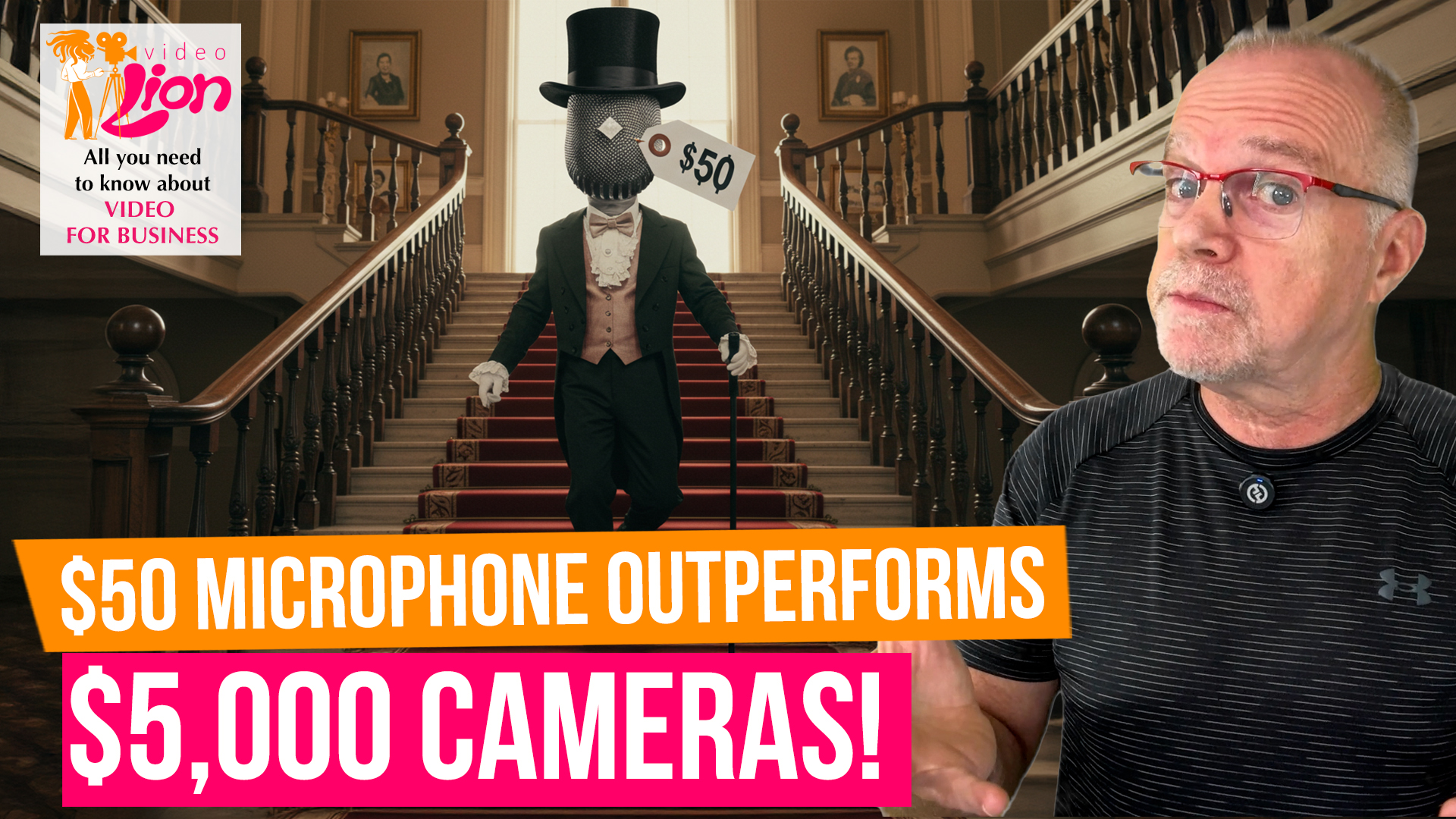
What if I told you the most important piece of equipment for your business videos isn’t what you think it is?
Most people obsess over cameras—4K resolution, perfect lighting, cinematic shots. They’ll spend thousands on visual equipment while recording audio through their laptop’s built-in microphone.
That’s like buying a Ferrari and filling it with regular gas. You’re sabotaging your best efforts with one critical oversight.
In today’s Video Lion, I’m showing you why audio quality trumps video quality every time, and how a simple investment can transform your content more than any camera upgrade ever will.
Come with me!
Your audience will forgive less-than-perfect video quality. Shaky footage? They’ll stick around if the content is good. Slightly blurry shots? No problem if they’re getting value.
But bad audio? They’re gone in seconds.
Poor audio makes viewers work harder to understand your message. And when people have to work to consume your content, they stop consuming it.
The Neuroscience of Audio
Our brains process audio differently than visual information. When audio is unclear, distorted, or competing with background noise, it creates cognitive load—mental fatigue that makes viewers want to click away.
When your audio is clear, it puts viewers at ease and it allows them to focus entirely on your message instead of struggling to decode whatever you’re saying.
There are studies that show that viewers rate the exact same video content as higher quality and more credible when the audio is clear, even when the visual quality remains identical.
The Proximity Principle
The closer your microphone is to your mouth, the better your audio will be. This simple principle eliminates most audio problems immediately.
Laptop microphones sit 2-3 feet away from your mouth and pick up everything—room echo, air conditioning, traffic noise, keyboard clicks. A dedicated microphone sits inches from your mouth and focuses only on your voice.
This isn’t about expensive equipment. A $50 lavalier microphone will outperform a $2,000 camera’s built-in audio every single time.
The Background Noise Killer
Professional audio isn’t just about capturing your voice clearly—it’s about eliminating everything else.
Background noise doesn’t just distract; it signals amateur production to your audience. Even subtle hums from air conditioning or traffic can subconsciously make your content feel less authoritative.
A simple directional microphone or noise-canceling software can eliminate these issues without requiring a professional studio.
The Echo Problem
Recording in large, empty rooms creates echo that makes you sound like you’re speaking from inside a tunnel. This is especially common when people set up in conference rooms or spare bedrooms.
The solution isn’t expensive acoustic treatment—it’s choosing better locations or adding soft materials like rugs, curtains, or even blankets to absorb sound reflections.
Microphone Solutions for Every Budget
Now, there are microphone solutions for every budget.
Under $50? Smartphone-compatible lavalier mics that clip to your shirt and plug directly into your phone. They are perfect for simple, short videos.
$50-150: USB microphones that plug directly into your computer. Great for screen recordings and desk-based videos.
$150-300: Wireless lavalier systems that give you freedom to move while maintaining broadcast-quality audio.
The key is matching your microphone choice to your typical recording setup, not buying the most expensive option.
The Editing Audio Advantage
Good audio is easier to edit than poor video. You can adjust volume levels, reduce background noise, and enhance clarity in post-production much more effectively than you can fix blurry footage or poor lighting.
Audio editing software like Audacity is free and can dramatically improve your sound quality with just basic noise reduction and volume normalization.
Platform-Specific Audio Considerations
Different platforms have different audio requirements:
• Social media: Needs to work without sound (add captions), but should be the best you can when sound is available
• Zoom recordings: Built-in microphones often work poorly; external mics will transform your video call quality
• Podcast repurposing: High-quality audio allows you to extract podcast content from your video recordings
The Client Confidence Factor
Here’s what most people don’t realize: poor audio quality affects how professional you appear more than any visual element.
A client watching your video with crystal-clear audio subconsciously associates that quality with your business standards. Fuzzy, hard-to-understand audio suggests you don’t pay attention to details.
This perception influences whether they trust you with their business, often at a subconscious level.
The Implementation Strategy
Start with audio before upgrading anything else. Get your sound quality right first, then worry about better cameras, lighting, or editing software.
Record test clips with your current setup and with a basic external microphone. The difference will shock you—and convince you that this is where your money should go first.
Beyond the Microphone
Great audio isn’t just about the microphone—it’s about the complete audio environment:
So record in smaller rooms with soft furnishings
Turn off air conditioning and fans during recording
Use consistent audio levels across all your videos
Test your setup before recording important content
Good audio is like good typography—you don’t notice it when it’s right, but it makes everything else work better.
Your audience might not consciously think “this person has excellent audio quality,” but they will think “this person seems professional and credible.”
That split-second judgment can make the difference between a new customer and a lost opportunity.
Invest in your audio first. Everything else can wait.
That’s it for today. Before you go, don’t forget to give us a like or leave a comment, and, if you haven’t done it yet, subscribe to our channel to stay informed about everything related to video for business.
See you in the next Video Lion!